Wall Load Calculator

Inputs
How to use Wall Load Calculator Tools?
Step 1:- Input all the values of dimension, opening percentage, etc. in input box.
Step 2:- Hit Calculate Button
Step 3:- You will get the loaf of wall per meter.
Wall Load Calculator is the tool that helps you to calculate the load on any structure like a beam, floor etc by the wall. Load calculation is required for analysis of the different structures.
Watch Video guide
How to calculate the wall load on a beam per meter?
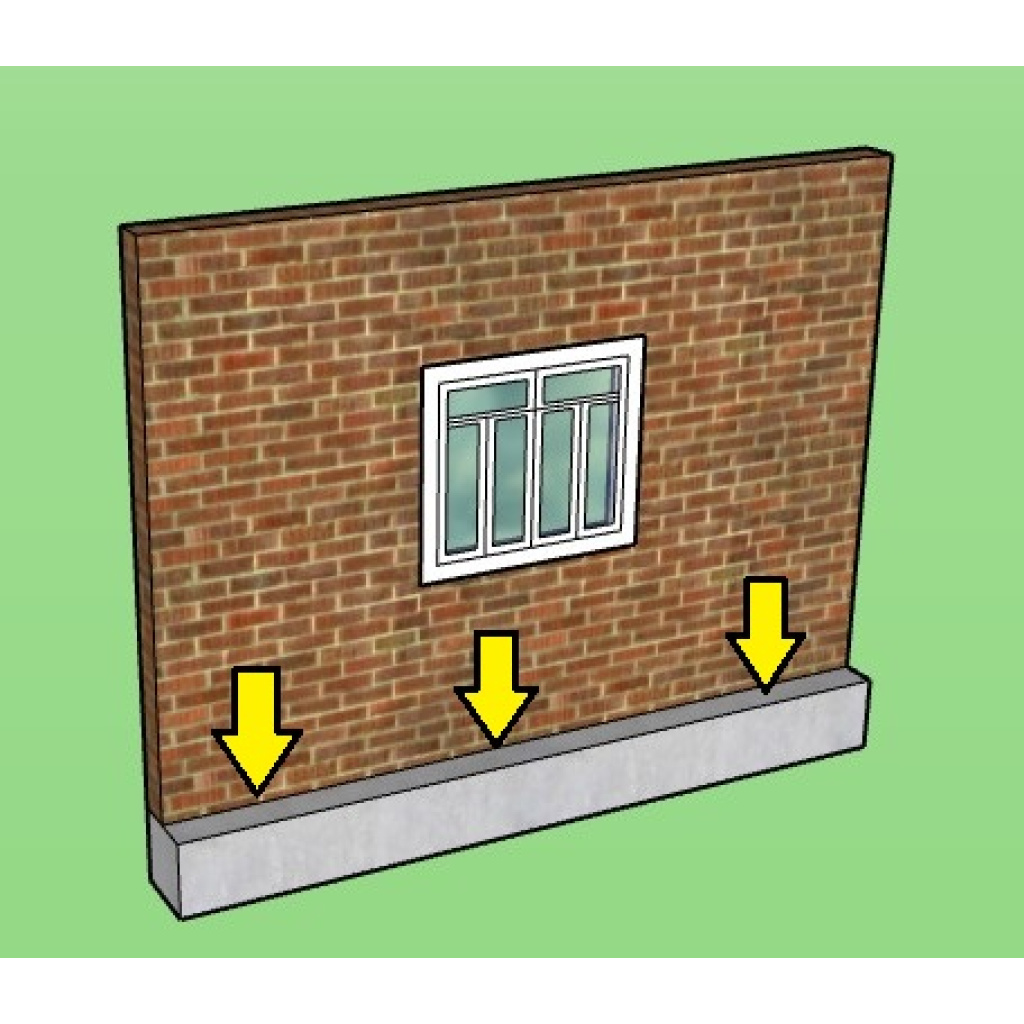
- First of all determine thickness of wall (T)
- Then determine the height of Wall (H)
- Then Density of Wall Material (D)
Generally, for brick masonry, the density is approximately 18-20 kN/m³ and For concrete walls, it’s around 24 kN/m³.
Now, Calculate Wall Load (W):
𝑊 = 𝑇 × 𝐻 × 𝐷
where:
W = Wall load on the beam per meter length (kN/m)
T = Thickness of the wall (m)
H = Height of the wall (m)
D = Density of the wall material (kN/m³)
Example Calculation,
Wall Thickness (T) = 0.23 m
Wall Height (H) = 3 m
Density of Wall Material (D) = 20 kN/m³
Percentage opening = 0% (It means there is no opening).
𝑊 = 0.23 × 3 × 20 = 13.8 kN/m
W=0.23×3×20=13.8kN/m
This load (13.8 kN/m) is applied as a distributed load on the beam.
Read Also,
Volume of one bag cement Formula/Calculator – Site Working Numerical
How to calculate bricks in a wall pdf – With Brick Masonry Pier
